 Virtual UGC
01 / CHARACTERSStart with
Start with
a personality.
Describe a character, choose a format and create its first image. Then explore changes using new instructions and references.
Create your first character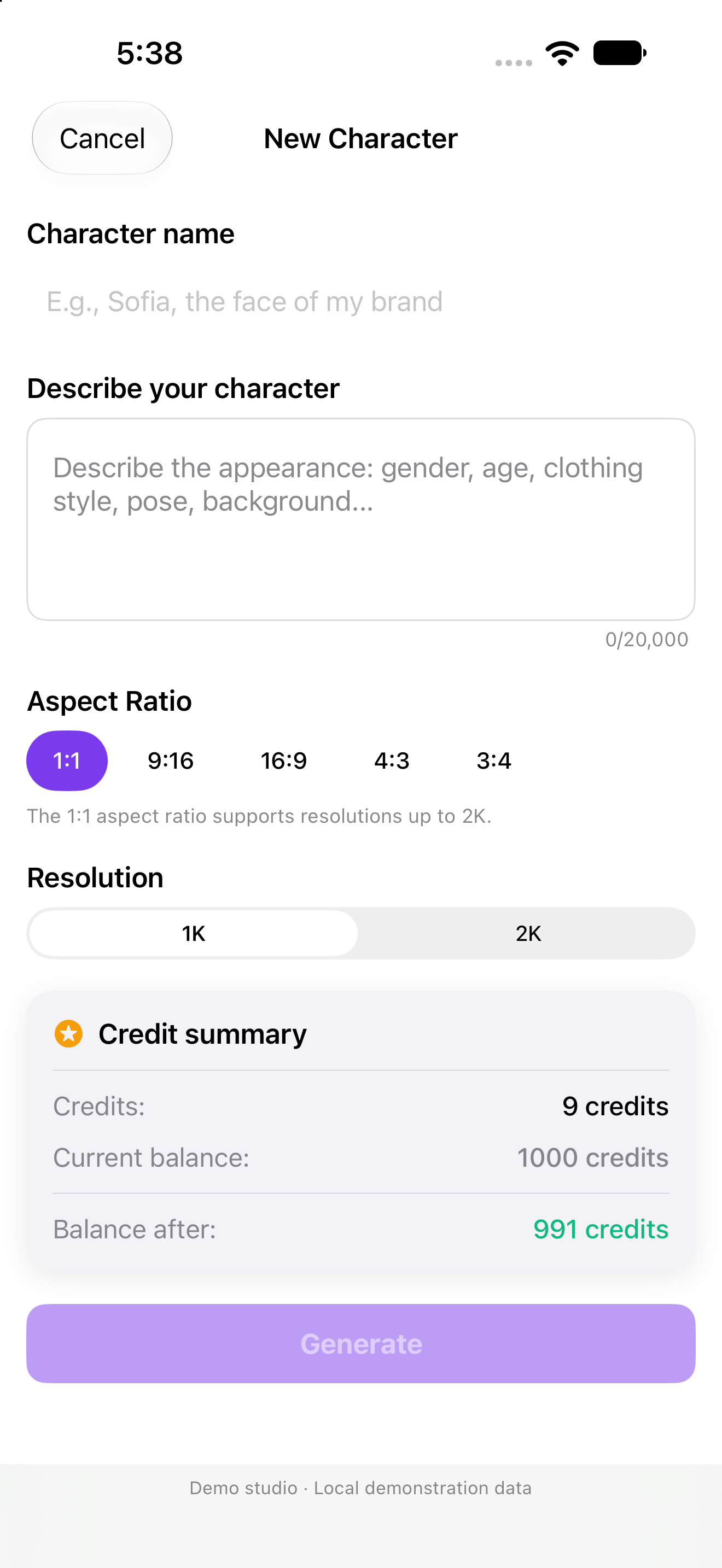
Characters, products and businesses in one place. Turn your references into AI images and videos, right from your iPhone.
Generation requires a subscription and credits. Public availability is pending launch.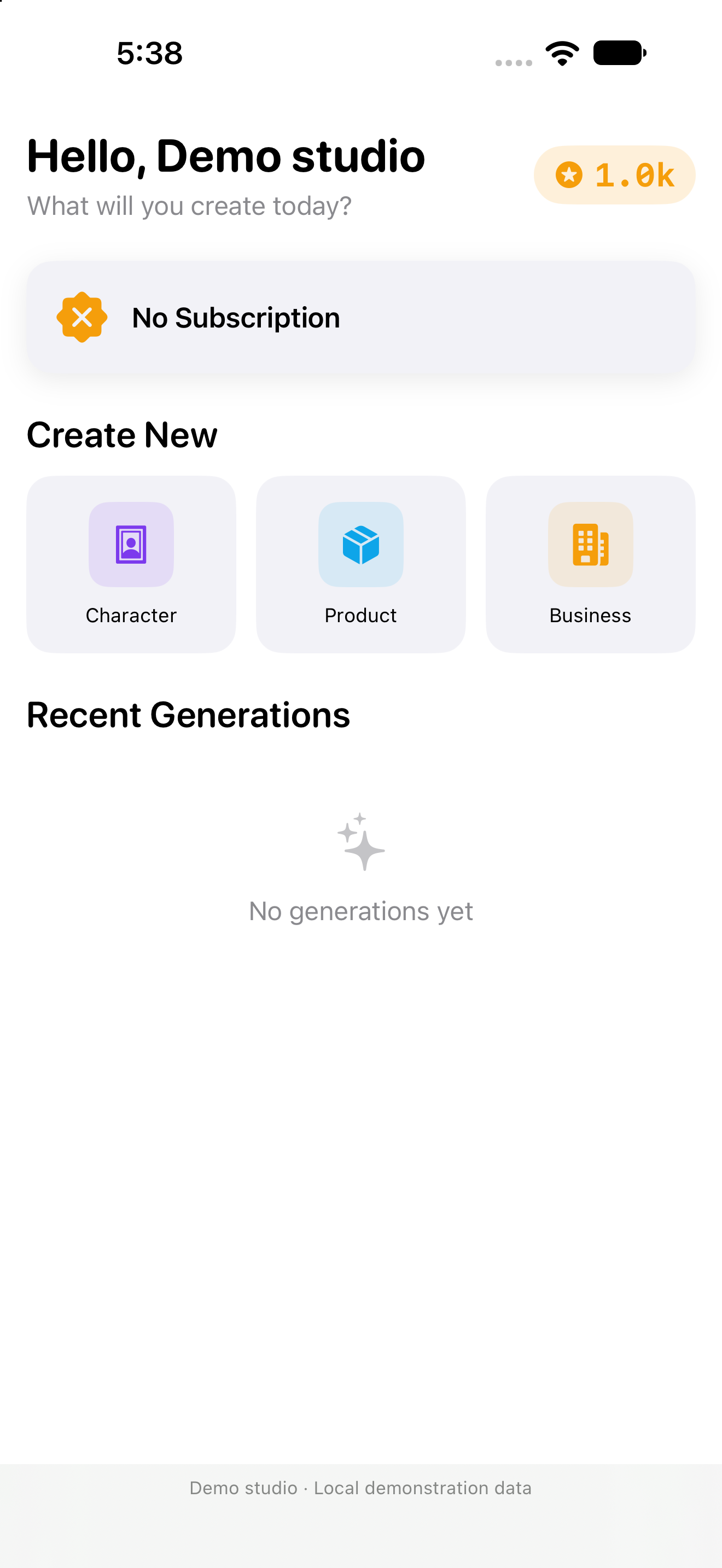
Actual screen from the app in development.
Demo studio, with no generations.
01 Define your character
02 Combine your references
03 Animate your image
Build a visual starting point for your content, then explore new scenes, variations and motion.
Describe a character, choose a format and create its first image. Then explore changes using new instructions and references.
Create your first characterOrganize photos of your product or business and combine them with a character to prepare a promotional scene.
Prepare your references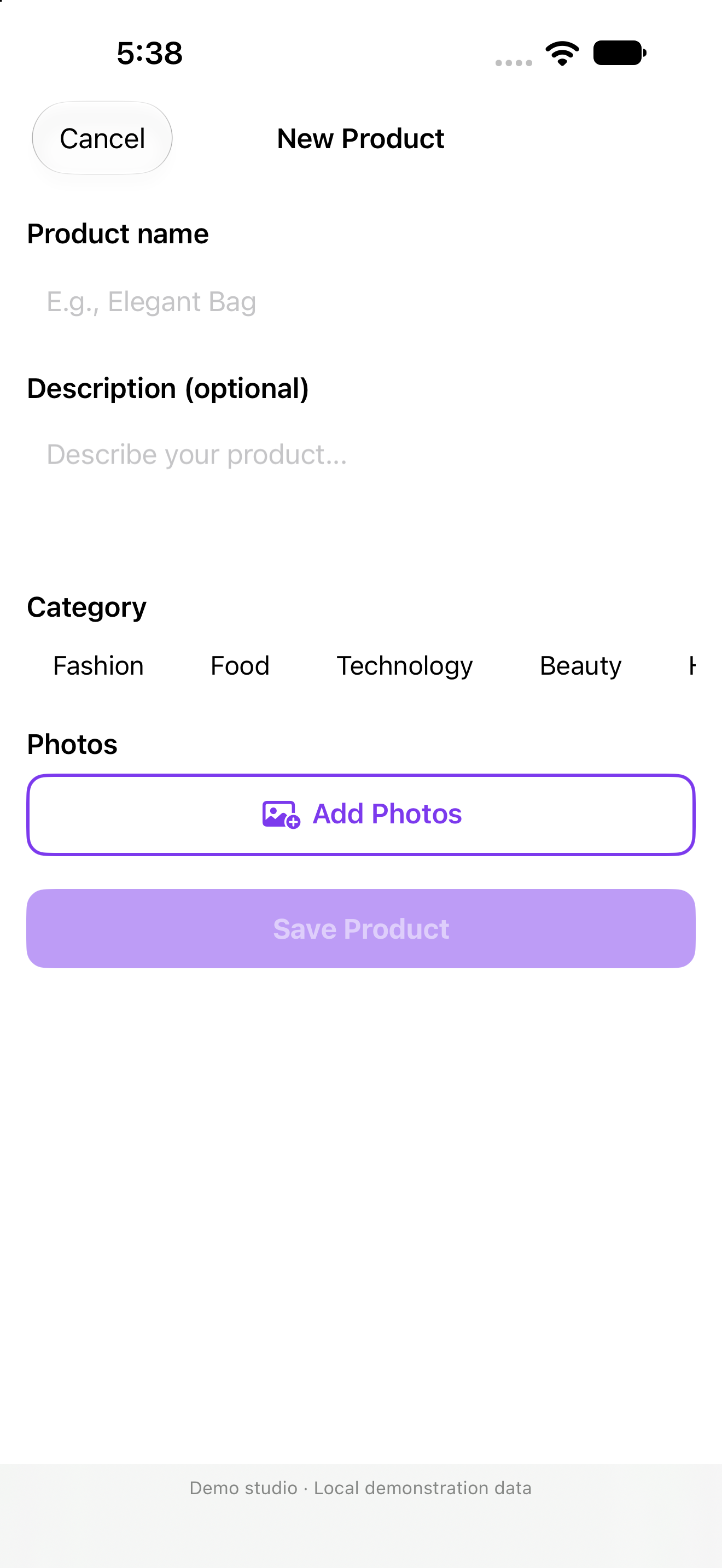
Start with an image, describe the action and configure your video. Review the cost before starting a new generation.
Bring it to life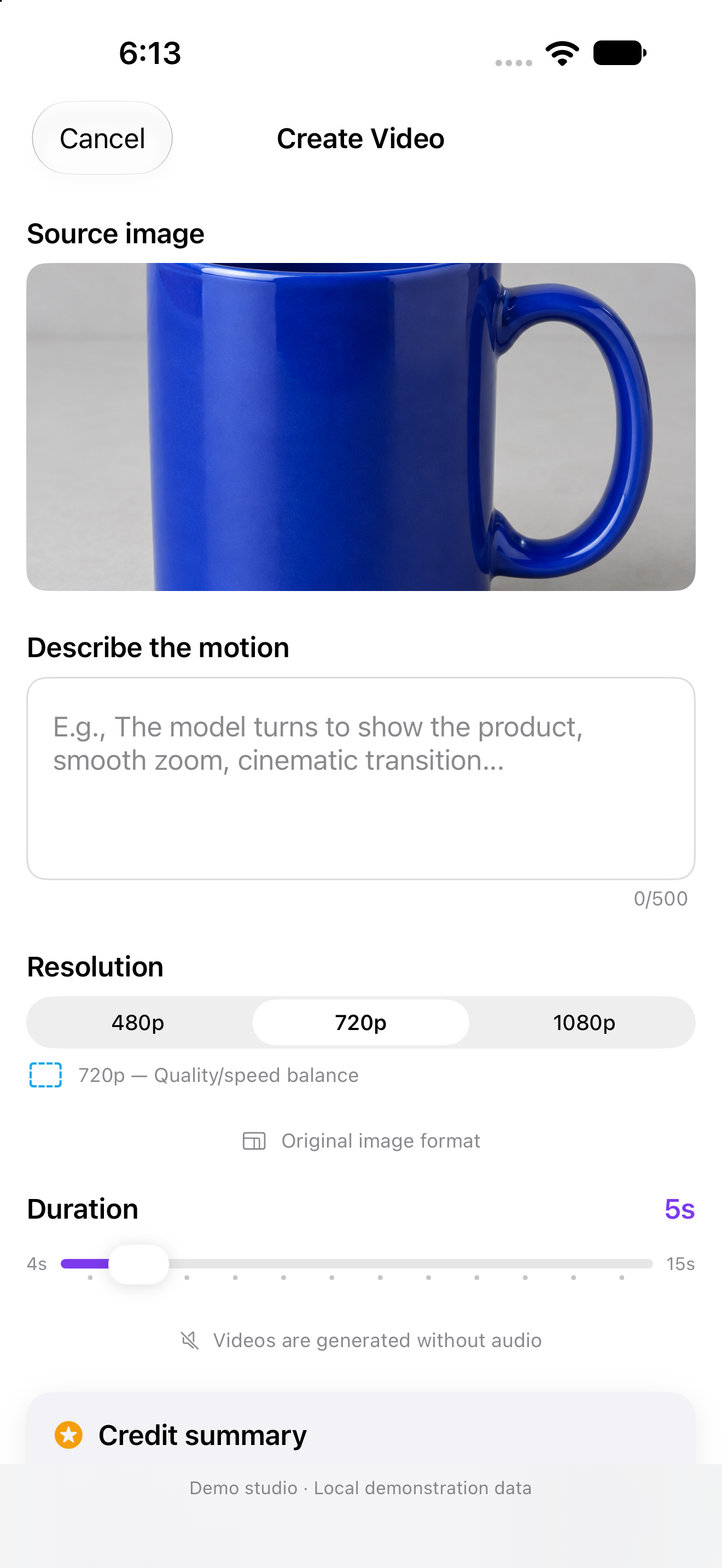
Real screenshots of the app in development, with local demonstration data and no real purchases. The gallery shows our own results from earlier tests; the credits shown belong to those operations.
Describe a character or save photos of your product and business. Use your own content or content you have permission to use.
Write your scene, adjust the options and check the credits required. You choose whether to authorize sending content to the AI provider.
Find the result in your gallery. Check the details, save a copy or use it as the starting point for another creation.
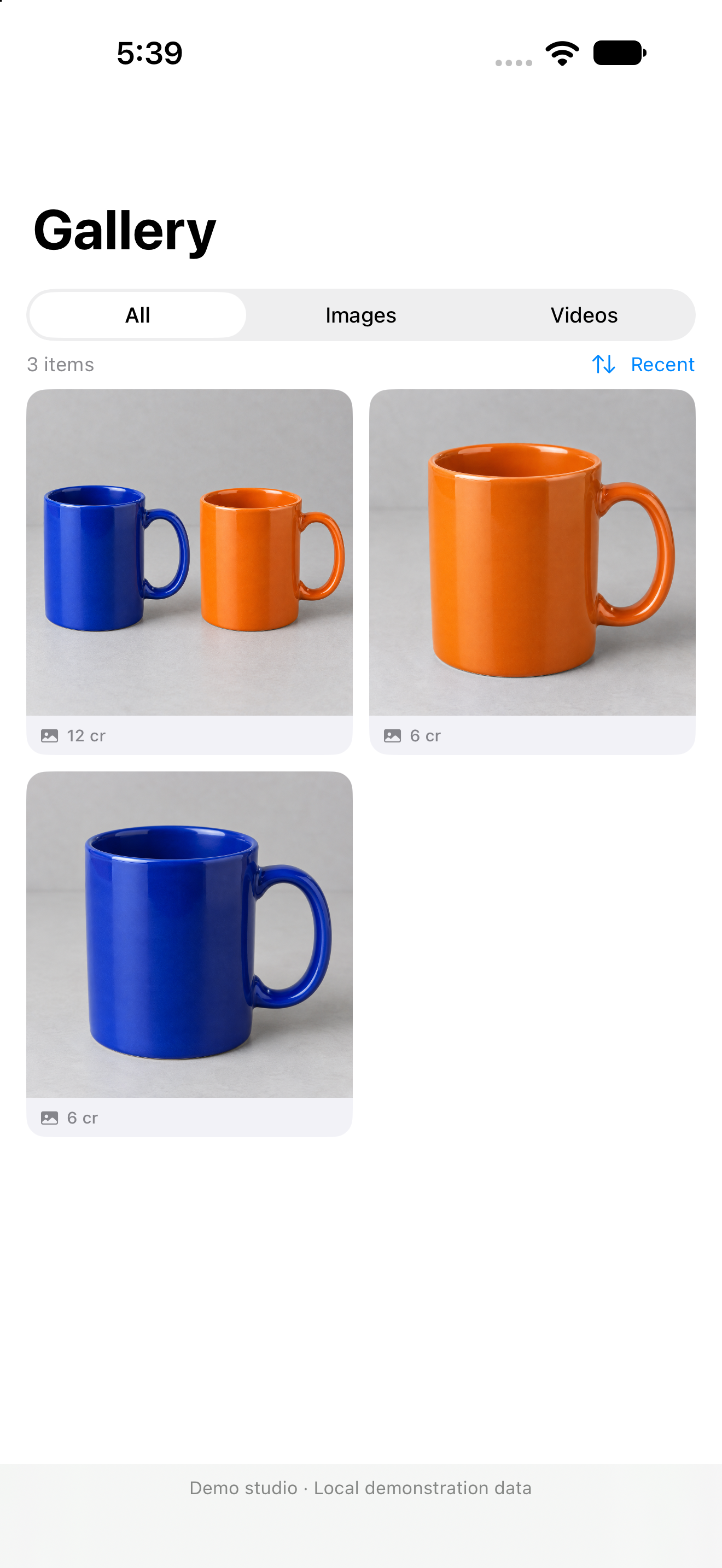
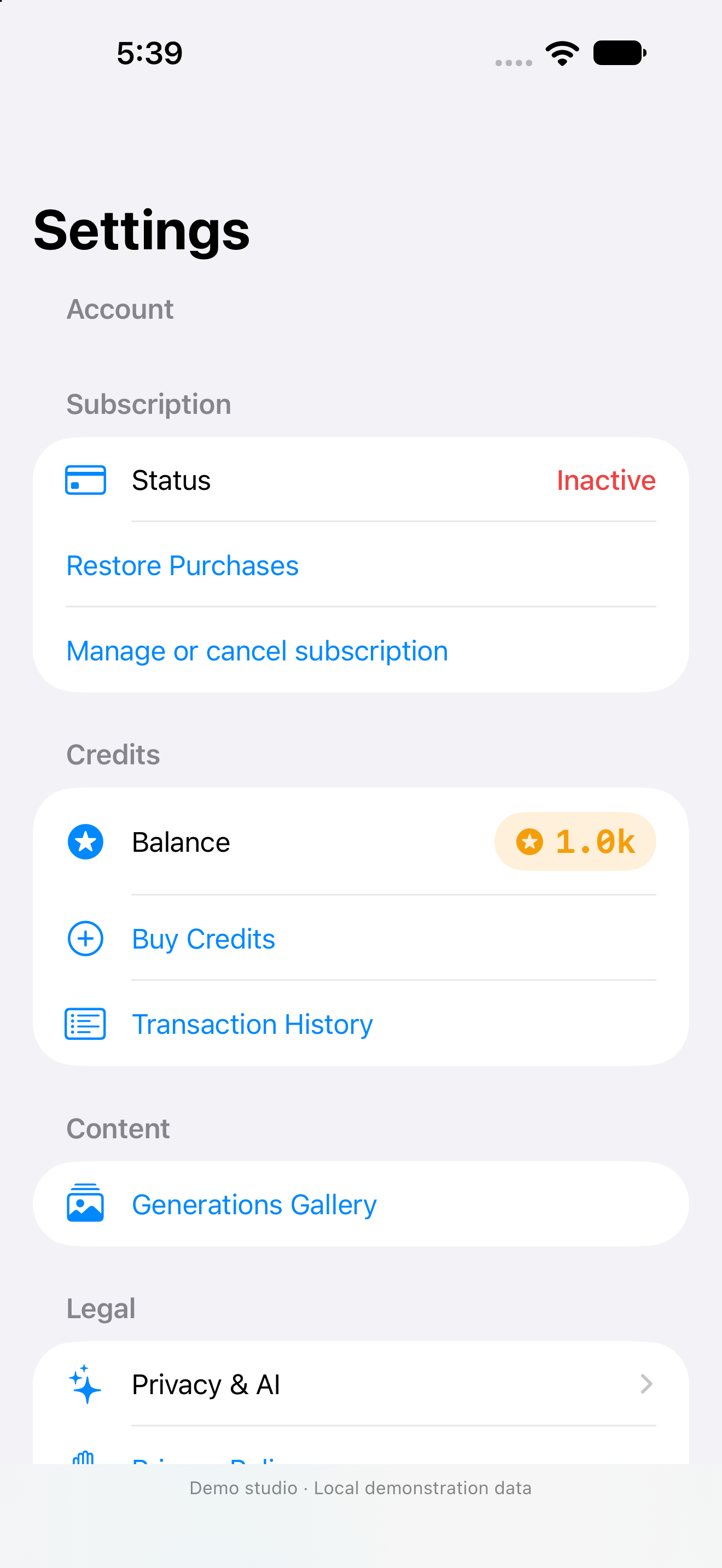
Your work does not end with generation. Review your results and keep your account choices close at hand.
Filter images and videos; sort by newest or by files approaching expiration.
Download your creations to your iPhone before they expire, and review them before sharing.
Check your balance and history, and manage AI consent in Settings.
Clear instructions, app controls and actual screenshots. Start with what you want to create.
Explore the home screen, your account and what you need before your first generation.
Turn a description into a reference image for your next ideas.
Organize your references and follow the product or business promotion workflow.
Choose an image, describe the action and review your settings before generating.
Use filters and expiration dates to keep the creations that matter to you.
Check purchases, manage your subscription and decide when to share content with AI.
These are the intended base prices for launch. The app will show Apple's price for your storefront before you buy.
Virtual UGC Premium · monthly
1,000 credits per cycle for your image and video generations.
Additional consumable packs. An active subscription is required to use them for generation.
The app and purchases are not yet publicly available. The subscription renews automatically until canceled. Monthly credits do not roll over; purchased credits are retained when the subscription renews or expires. Refunds may adjust the balance. Read the full conditions in the Terms of Use.
Understand the tools and the conditions before you begin creating.
Contact supportNot yet. We are preparing the app for its App Store launch. The screenshots show the development version, and the guides explain its current workflow. There is no public download link available yet.
The current version is prepared for iPhone and iPad running iOS or iPadOS 26.4 or later. This website shows the iPhone interface. Final compatibility will appear on the App Store listing when the app is published.
Yes. Generation requires an active subscription and enough credits. The planned monthly subscription includes 1,000 credits per cycle, with additional packs also planned. Each job's cost depends on its options and is shown before you start.
Unused monthly credits are replaced by the new cycle's allocation. Separately purchased credits are retained, although you need an active subscription to use them for generation. If Apple refunds credits you have already spent, an outstanding adjustment may be offset by future purchases or credits returned from failed jobs.
Submitted jobs are processed on the server. Once a job completes, its result will be in your gallery even if you closed the app. Check its status when you return; processing times vary and remote notifications are not guaranteed.
With your consent, the instructions and images required for generation are sent to an external AI provider. You can withdraw permission in Settings → Privacy & AI. Use your own or authorized content, and read the privacy policy before sharing it.
No. The app shows their expiration dates. Download what you want to keep; marking an image as a favorite does not extend that period. Deleting your account also does not automatically cancel an Apple subscription.
Our app is in development. In the meantime, explore the tutorials or contact us for information about the project.